


i-frame Makes Your Processes Clear and Sustainable
It refers to tools that enable business processes to be visually designed, modeled and optimized. These tools are used to structure process flows, define the relationships between steps and standardize operational functioning. It enables transparent and sustainable management of business processes.
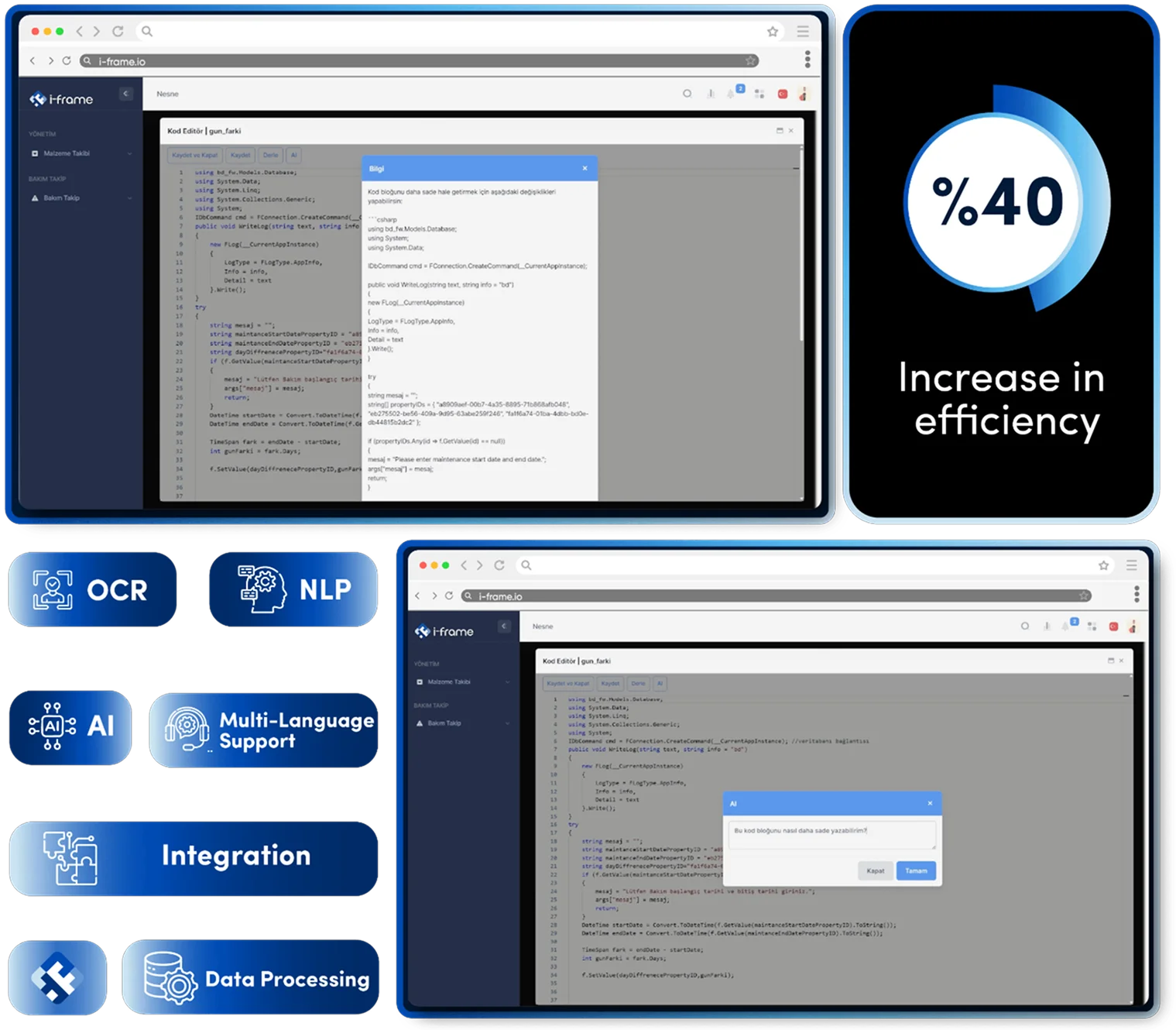
The Difference Between Traditional Methods and i-frame
Traditional workflow definitions were usually based on written documents, email chains or manual forms. These methods made processes invisible, making control and audit difficult. Making changes was time-consuming and complex.
How i-frame Transforms This Process
i-frame treats process design as a living system that adapts to the dynamics of the business, not just a schematic drawing. With the Business Process Designer feature:
- Processes can be described with visual tools and modeled logically with conditional branching.
- Tasks can be assigned automatically by user, group or rules.
- System notifications, external service calls or document handling can be integrated into the process steps.
- The progress of the processes can be monitored, logged and audited instantly.
Empowering businesses with smart, easy management solutions
Ease of Use and Integration Capability
| Feature | Traditional Methods | i-frame |
|---|---|---|
| Process Definition | Word, Visio, email, manual drawings | Visual design + conditional logic definitions |
| Task Assignment | Manual, person-based | Parameter, user group, rule-based assignment |
| Status Tracking | Difficult to track, prone to manual intervention | Real-time monitoring + logging |
| Automation | None, manual tracking | Scheduled tasks + automatic notifications |
| Integration | Usually requires external intervention | Easy with web service + database integration |
Key Features
Drag-and-Drop Process Design
Each step can be easily defined with a user-friendly interface.
Conditional Routing
The process flow proceeds with defined rules, independent of the user.
Timers and Notifications
Automatic generation of emails or tasks at specific times is possible.
Task Assignment Engine
Assignment can be made according to person, department, role or custom parameter.
Process Monitoring Panel
At which step of the process and who is in the process can be seen instantly.
Content and Form Integration
Forms can be linked to process steps; data collection is integrated.

Where is i-frame used?
- Administrative processes: Authorization, expense, assignment and procurement approvals
- Quality management: Non-conformity tracking, internal audit and CAPA processes
- Project and task management: Process-based planning, resource allocation and tracking
- Customer relations : Proposal, contract and service level processes
- R&D and innovation: Experimentation, prototyping and idea approval flows
- Regülasyon uyumu: Süreçlerin izlenebilir ve denetlenebilir şekilde kayıt altına alınması

Who is using it?
- Business Unit Managers: Decision makers who want to manage processes in a transparent and auditable way
- IT Teams: Technical staff who want to run processes integrated with systems
- Enterprise Architecture Specialists: Consultants who want to standardize organizational flow
- Quality and Internal Audit Teams: Units requiring traceability and audit capability

Advantages of Using i-frame
- Standardizes processes and transforms them into corporate memory
- Reduces errors and delays, clarifies task allocation
- Ensures audit compliance by increasing traceability
- Strengthens inter-departmental cooperation
- Eliminates unnecessary interventions and reduces process bottlenecks
- Guarantees system operation independent of the user