


Object-Oriented Software Architecture Made Easy with i-frame
Object Designer is the development layer for structuring and functionalizing data objects (forms, fields, tables, relationships) in software applications. In i-frame, each system component is defined as an object and meaningful relationships can be established between these objects.
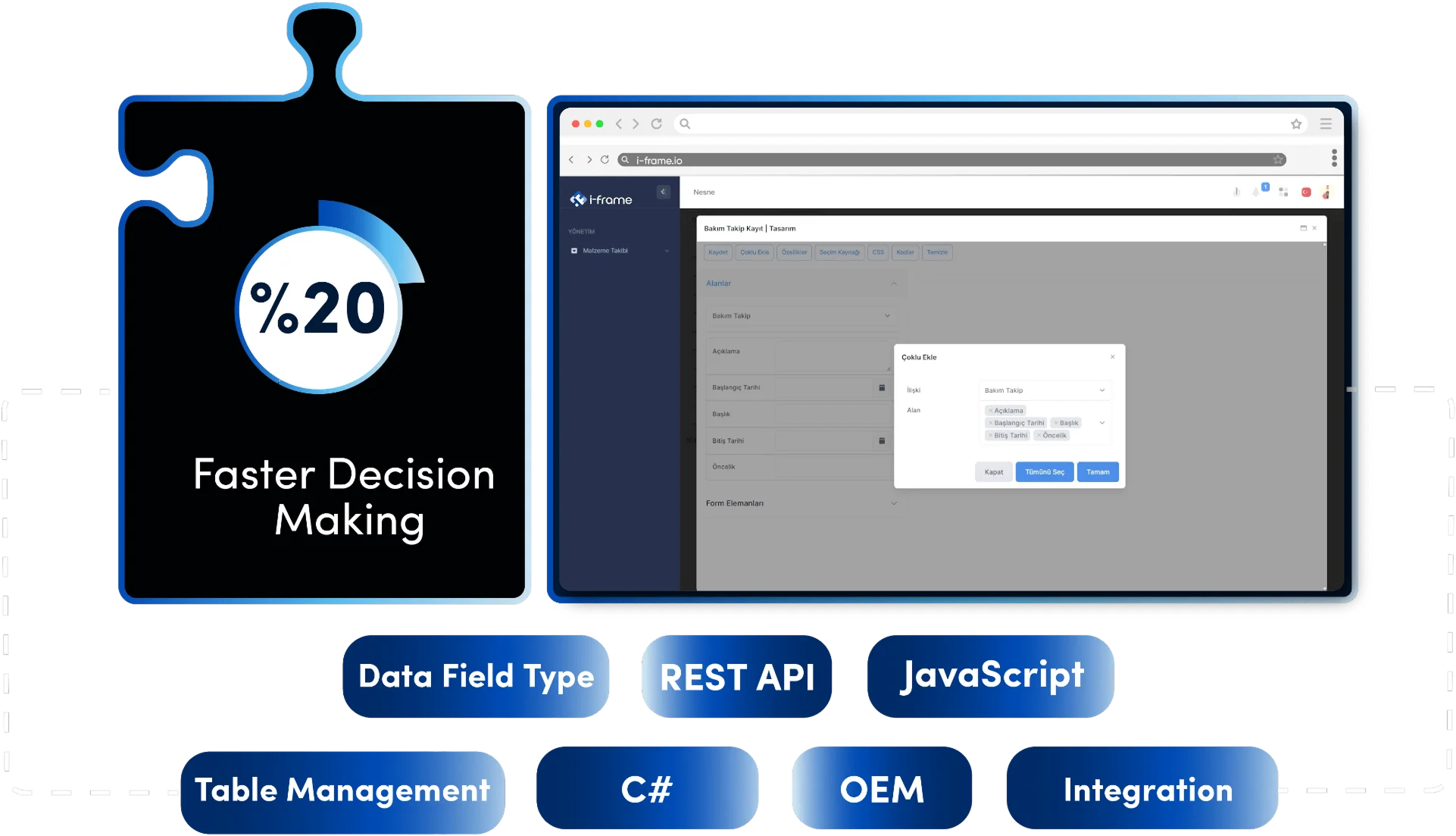
The Difference Between Traditional Methods and i-frame
In traditional systems, data structures are defined in code; relationships are modeled manually, changes affect the overall software and may require redevelopment. Data fields, forms, tables are created in separate code blocks.
How i-frame Transforms This Process
The Object Designer component makes it possible not only to design forms, but also to logically model, associate and sustainably manage enterprise data structures. i-frame’s Object Designer component offers an object-based structure with drag-and-drop support.
- All forms and data structures are designed visually.
- Objects can be reused and hierarchically related.
- Validations, data types and relationships are parametrically defined.
- The developer and the business unit can work together on the same data architecture.
Empowering businesses with flexible Object Dashboard solutions
Ease of Use and Integration Capability
| Feature | Traditional Methods | i-frame |
|---|---|---|
| Form Creation | Written manually with HTML+JS | Designed visually with drag-and-drop |
| Data Fields | Manually defined with code | 20+ ready field types, dynamic validations |
| Tables | SQL-based manual setup | Visual table design and data preview |
| Relationships | Defined in code, complexity increases | Updated at code level |
| Integration | Manual connection with external systems | Objects accessible via REST API |
Key Features
Transparency in Object Oriented Architecture
Each component (form, table, field, relationship) is defined as a separate object.
20+ Data Field Type
Text, drop-down box, checkbox, file upload, dynamic list, numeric field, etc.
Creativity in Form Design
HTML elements are placed with drag-and-drop. Customization is possible with JavaScript/C#.
Table Management
Special tables suitable for data organization are created, grid structure is controlled via UI.
Relationship Definitions
One-to-one, one-to-many, many-to-many and hierarchical connections are supported.
Record Based Authorization
Object specific access can be defined; data security is under control at each layer.
Where is i-frame used?
- Designing custom form fields for workflow processes
- Corporate data recording systems (CRM, demand management, inventory, HR, etc.)
- To create modular data architecture as OEM product infrastructure
- Analytical applications combining geographic and sectoral data types
- It is used to combine process + reporting + documentation in a single data structure.
Who is using it?
- Developers: Technical experts who want to build with object logic without writing code
- Business Analysts: Business units that want to quickly create data entry screens suitable for processes
- Enterprise Architecture Teams: In-house experts who want to standardize the data modeling structure
- OEM partners: Software companies that want to market their products with modular and customizable components

Advantages of Using i-frame
- Reduces developer dependency, visually meets the data needs of business units
- Enables different modules to work in harmony within the same infrastructure
- All application logic is associated with data objects, offering sustainability
- Expands corporate memory with customizable and reusable data components
- Commonizes the infrastructure of analytics, reporting and workflow processes
- Enables evolutionary development without the need for code redevelopment